
Turn-based · 1–3 min
Tic-Tac-Toe
Included free
The familiar X-and-O classic, made for two people sitting across a table. Place three marks in a row, column, or diagonal to win. Play a best-of-three match or keep the rounds going in single games.

A little play, a little closer.
Six games for two people sharing one iPhone or iPad. Put it between you and play.
Turn time together into a little friendly competition. PlayBetween brings six familiar games to a shared iPhone or iPad, from thoughtful turns to fast-moving Table Hockey.
Tic-Tac-Toe and Drop 4 are always free. One purchase unlocks Checkers, Dots & Boxes, Flip Chip, and Table Hockey.
U.S. price; local prices vary. No ads or subscriptions. Buying or restoring needs internet.
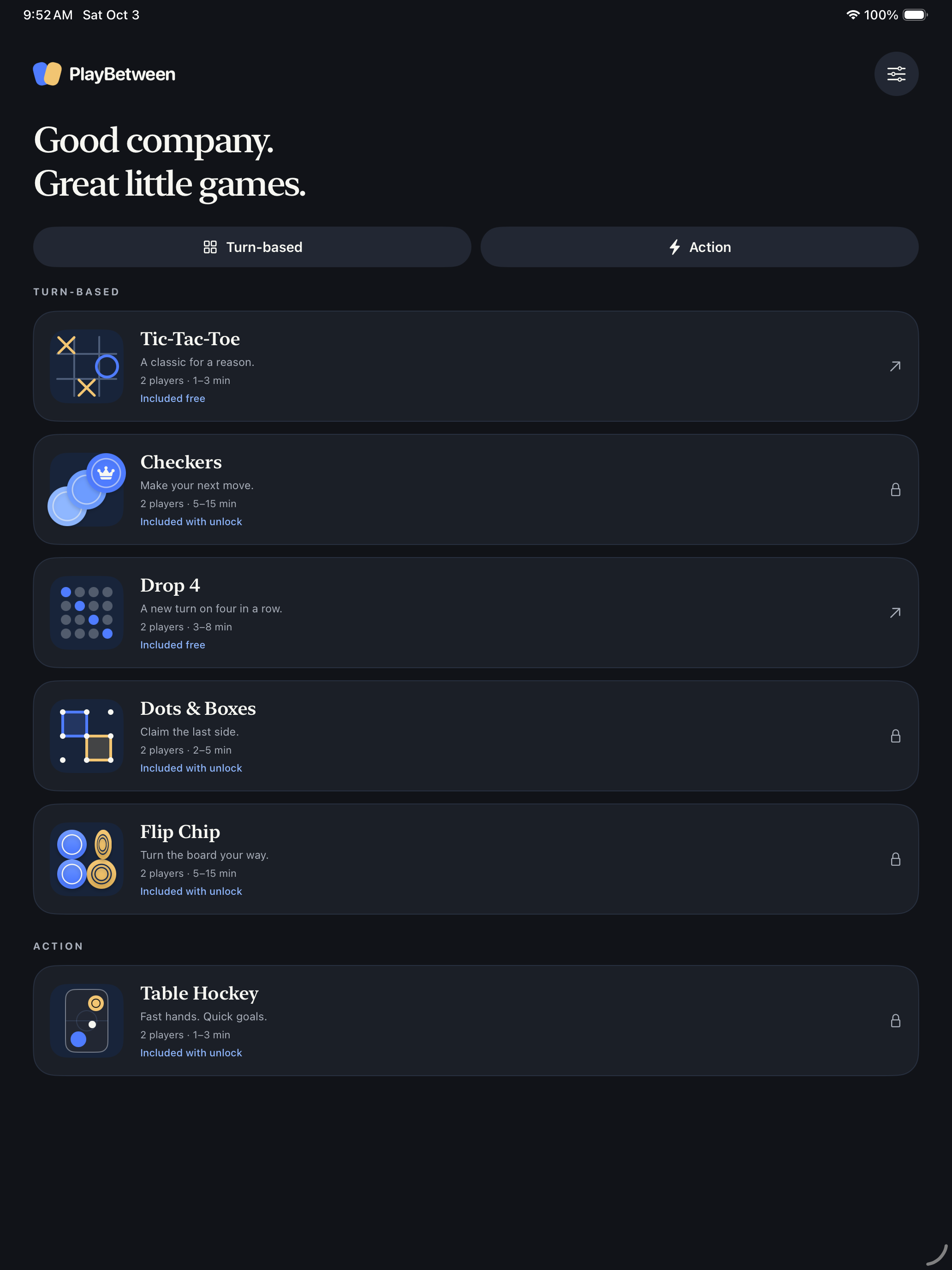
Five turn-based games. One fast-moving face-off. All on the same screen.
Turn-based · 1–3 min
Included free
The familiar X-and-O classic, made for two people sitting across a table. Place three marks in a row, column, or diagonal to win. Play a best-of-three match or keep the rounds going in single games.

Turn-based · 5–15 min
Included with the one-time unlock
Move diagonally, jump opposing pieces, and reach the far side to crown a king. Captures are required, and chained jumps keep the action moving. Win by leaving your opponent without pieces or legal moves.

Turn-based · 3–8 min
Included free
Drop a disc into a column and build a line of four horizontally, vertically, or diagonally. The whole playfield turns to face the active player, keeping the next move comfortable from either side of the table.

Turn-based · 2–5 min
Included with the one-time unlock
Tap between neighboring dots to draw a line. Close the fourth side of a box to claim it, score a point, and play again. One clever line can complete two boxes. Choose a quick board or settle in for a longer game.

Turn-based · 5–15 min
Included with the one-time unlock
Trap a line of opposing chips and flip them to your color. Every move can change several directions at once. Choose carefully: the player with the most chips when neither player can move wins.

Action · 1–3 min
Included with the one-time unlock
Both players move at once. Touch your half to get ready, then drag your mallet to send the puck toward the other goal. Quick matches go to three goals; Classic matches go to five.
Made for your side of the table
Place the device between you, pick a game, and play face to face. Portrait boards stay at the center, with player information and instructions oriented toward each person. Player 1 hosts, with a small menu for pausing, rules, and game options.
Choose Tic-Tac-Toe, Checkers, Drop 4, Dots & Boxes, or Flip Chip for turn-based play, or Table Hockey for simultaneous action. When a round ends, the board stays visible and the host can continue to the next round or exit a completed match.
No account or internet connection is needed to play.
Player 1 can pause, open rules, change options, or return to the game library.
Unfinished games are saved on your device. Hockey waits for both players before resuming.
Play offline with no PlayBetween account, ads, subscriptions, or tracking. Preferences, scores, and unfinished games stay on your device. Apple handles the optional one-time purchase; buying or restoring requires an internet connection.
Read PlayBetween’s privacy policyFind quick answers, learn the basics, or get in touch with Streamr.
Visit app support